
In this article 8 sections
- The answer is usually both, with one doing more of the selling
- Run the contact form vs phone number test
- Why phone leads often look better on paper
- Phone number or contact form? Judge the job each one does
- Forms win when they remove a conversation the customer is not ready to have
- Do not confuse more conversions with more customers
- Use these figures as context, not as promises
- Build the page around the customer’s next decision
The answer is usually both, with one doing more of the selling
You are probably asking the wrong question if you are choosing between a contact form vs phone number as though one must disappear. For most small businesses, the better setup is a visible phone number for people who are ready to talk, plus a short form for people who are comparing options, working after hours, or do not want an interruption.
The important distinction is not the number of inquiries. It is the quality of the lead and what happens next. A phone call can reveal urgency, budget, location, timing, and objections in one conversation. A form can collect the same information without making the prospect commit to a live conversation. It can also give you a written record and a cleaner way to route requests.
My practical answer is this: make the phone number prominent when your service is urgent, local, expensive, or difficult to explain online. Make the form prominent when customers need a quote, have files or details to provide, or are likely to contact you outside business hours. Keep the other option available in either case.

Run the contact form vs phone number test
-
Start with the business question
Write down what a good lead means for you: a booked appointment, a qualified quote request, a consultation, or a completed order.
-
Give both options equal visibility
Place a tap-to-call phone number and a short form near the top of the page, then repeat the relevant call to action after your main proof and service details.
-
Use matched language
Compare “Call for a same-day estimate” with “Request an estimate” rather than comparing a strong phone offer with a vague form button.
-
Track the source and outcome
Record calls, form submissions, qualified leads, appointments, sales, and missed calls separately. Do not count every form or call as a lead.
-
Review the conversations
After enough real inquiries have come through, note which channel produces serious prospects, which questions repeat, and where people stop responding.
-
Change one thing at a time
If the form wins on quality, improve its placement and questions. If the phone wins, improve answer rates, voicemail, and follow-up before redesigning the whole page.
Why phone leads often look better on paper
A caller has crossed a higher-friction threshold. They have chosen to interrupt their day, identify themselves, and start a conversation. That often makes the call more valuable, especially for home services, legal work, healthcare, repairs, and other businesses where the buyer has questions before committing.
The current phone-lead data supports that direction, with an important limitation. Invoca’s 2026 business-services benchmark analyzed more than seventy million calls from its dataset. It reports that fifty-six percent of inbound callers reached a person, thirty-eight percent of answered calls were leads, and forty-four percent of those leads converted on the call. Those figures are useful operating benchmarks, not a promise for every plumber, coach, restaurant, or freelancer. The unanswered-call figure is the warning: a phone number only generates opportunities when someone answers or follows up quickly. (invoca.com)
CallRail’s small-business research points to the same operational problem. Its report analyzed more than one million leads across several industries and highlights missed calls as lost opportunities. CallRail reports that as many as eighty-five percent of customers whose calls go unanswered will not call back. Because this is a company’s own research and the result may vary by industry, treat it as a reason to measure missed calls, not as a universal law. (callrail.com)
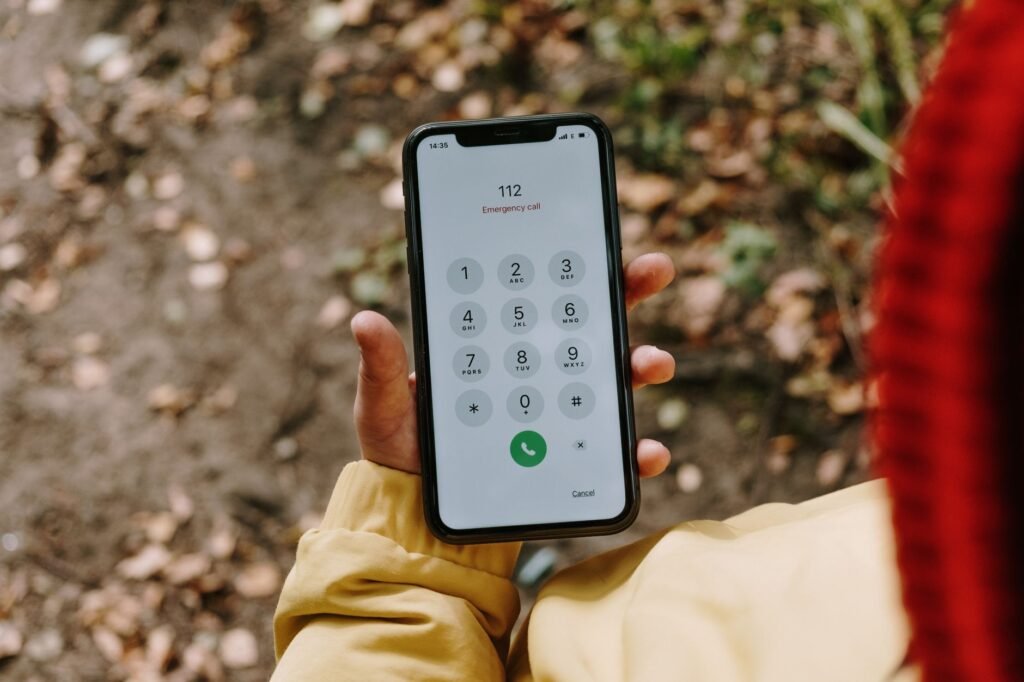
Phone number or contact form? Judge the job each one does
| Criterion | Phone number | Contact form |
|---|---|---|
| Urgent or complicated requests | Usually stronger because the customer can explain the situation and get an answer immediately. (better) | Usually weaker unless the form promises a clear response time. |
| After-hours inquiries | Weak unless you offer voicemail, text, or a callback process. | Stronger because the prospect can submit details without waiting. (better) |
| High-value sales | Often stronger when trust, diagnosis, or objection handling matters. (better) | Useful for qualification, but may create a delay before the real conversation. |
| Tracking and handoff | Requires call tracking, notes, recordings, or disciplined staff reporting. | Usually easier to route, tag, assign, and review. (better) |
| Customer effort | Fast for people who want help now, uncomfortable for people avoiding a sales conversation. | Convenient for cautious or busy visitors, especially when short and specific. |
Forms win when they remove a conversation the customer is not ready to have
A form is not a weaker version of a phone call. It is a different buying path. Someone may want to send measurements, describe a project, attach a photo, ask for a written quote, or contact you during a lunch break. A form gives that person control over the timing and the amount of detail.
The danger is asking for too much. HubSpot’s analysis of more than forty thousand landing pages found that conversion rates tended to decline as forms added fields, with multiple text areas and several drop-downs associated with weaker performance. The practical lesson is not “always use a two-field form.” It is to ask only for information you will use before the next step. Name, contact method, service needed, and a short description may be enough for an initial request. (blog.hubspot.com)
Use a form when the customer’s next step is naturally written. “Tell us what happened and upload a photo” makes sense for a roofer or appliance repair company. “Request a coaching consultation” may work well for a consultant, provided the form explains what happens after submission. A blank box labeled “Message” is rarely a compelling offer.
Do not confuse more conversions with more customers
A form submission and a phone call are conversion events. They are not automatically sales opportunities. A form may contain spam, incomplete details, or a price shopper. A call may be a wrong number, an existing customer, a job applicant, or someone outside your service area.
This is why the test should end at revenue or a meaningful step toward revenue. Track qualified leads, appointments, estimates sent, and closed jobs by source. If your form brings in more inquiries but your phone leads produce more booked work, the phone may be doing the better commercial job. If calls consume your day with poor-fit prospects while forms give you complete project details, the form may be more profitable even with fewer submissions.
The right comparison also depends on the page. A local emergency service page should make calling obvious. A page for a custom website, wedding photographer, or business coach may need a form that gathers budget, timing, and project scope. Your website conversion rate guide for small businesses can help you define the conversion you actually want before you start counting clicks.
Use these figures as context, not as promises
Invoca, “The Invoca Business Services Lead Conversion Benchmarks Report 2026.” This is a business-services benchmark from Invoca’s analyzed call dataset.
Invoca, “The Invoca Business Services Lead Conversion Benchmarks Report 2026.” This applies to identified phone leads, not all inbound calls.
Invoca, “The Invoca Business Services Lead Conversion Benchmarks Report 2026.” The report also gives higher answer rates when very short calls are excluded.
Unbounce, “Commercial & Professional Services conversion rate benchmarks.” This is a landing-page benchmark, not a contact-form-only benchmark.
Unbounce, “2024 Conversion Benchmark Report.” The report is based on more than 57 million conversions across more than 41,000 landing pages.
Build the page around the customer’s next decision
Do not hide the phone number in the footer and then conclude that customers prefer forms. Do not put a giant “Call Now” button above a form and then conclude that calls win. Give each route a clear job.
A strong local service page might say, “Call to check today’s availability,” beside the phone number, followed by, “Prefer to send details? Request a quote.” A consultant might lead with a form because the visitor needs to explain the project, then include a phone option for people who want to talk before submitting. A restaurant may need a reservation or online booking path rather than either a generic form or a general phone number. If booking is the real conversion, see this guide to whether your small business should add online booking.
Also make the contact information consistent beyond your site. Google says a Business Profile can show your website, phone number, hours, location, booking links, and other customer-facing details. Your contact path should match what appears in search and on Maps. If a customer finds one number on Google and another on your website, the problem is trust before it is conversion. (support.google.com)
For most owners, the winning version is simple: a phone number that is easy to use, a short form that is easy to finish, and a follow-up process that does not leave either one waiting. If you need a clearer starting point, the small business website guide covers the pages, calls to action, and practical decisions that support both channels.
Altflex MAX
A clear website that brings in customers
Describe your business in a few lines. Altflex MAX builds your one-page site with AI and looks after it for you.
Start for $3.99